In mid-2017, I planned to build a NAS for all my miscellaneous files. I wanted RAID 6 or better, so it needed at least six drives. I also wanted a 10-gigabit network card to connect to my desktop, and eventually chose the ASRock Rack C2550D4I with its 12 SATA ports. After learning that software RAID was very unreliable, I ended up using ZFS (which seems even less reliable...). Conveniently, the C2550D4I supports ECC memory, making it a good fit.
After building the eight-drive NAS as planned, I found a serious problem: the drives stayed at 50–60°C all year round, which made me very worried about their lifespan. Then I came across this article online: Creating a Cooling Duct for the SilverStone DS380B.
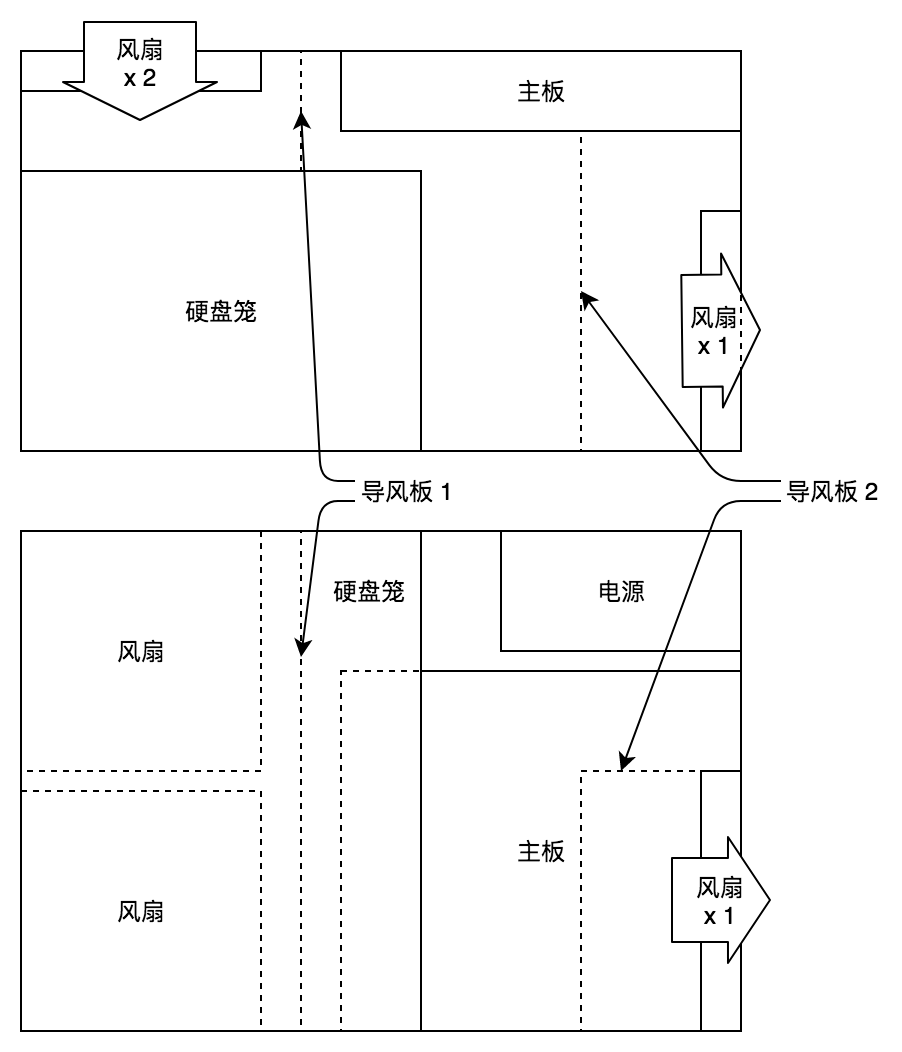
Before describing the method used in that article, let me first explain the DS380B's airflow layout.
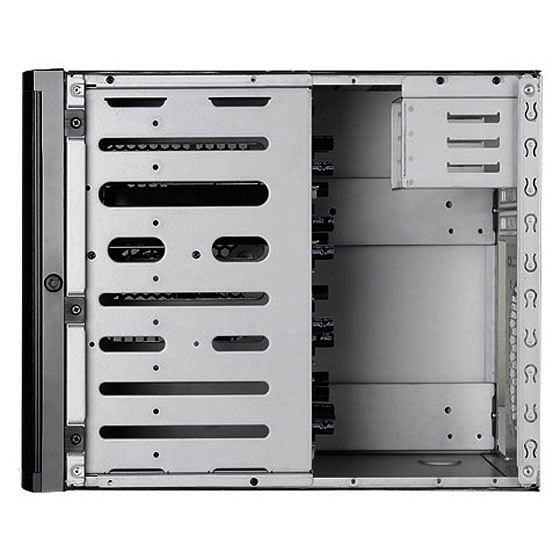
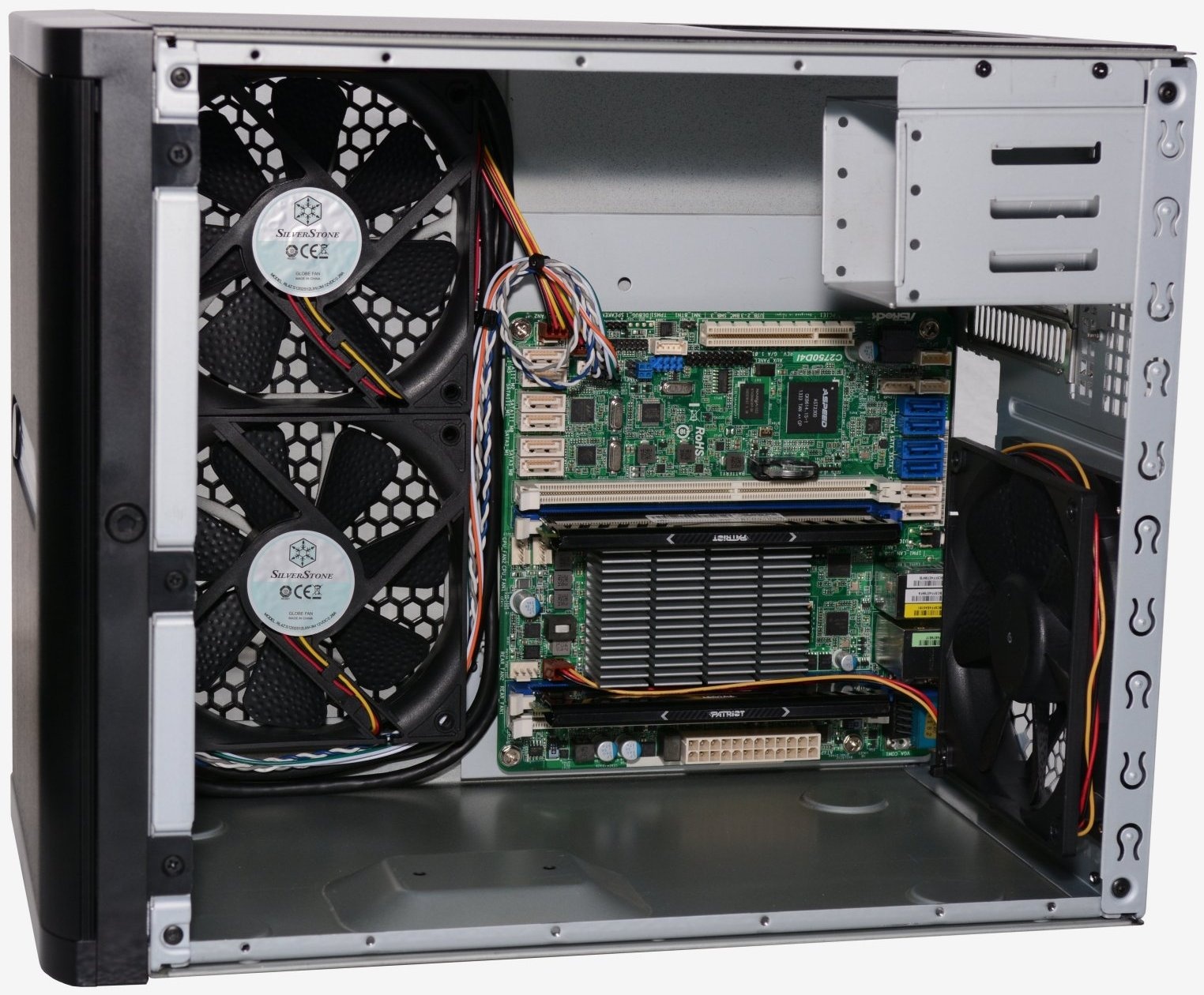
As you can see, two intake fans cool the drive cage, and there is another exhaust fan at the back of the case. The article above uses a 3D-printed air duct to channel air from the intake fans into the drive cage.
At first I also wanted to get one 3D-printed through Taobao, but then I thought: it is just a piece of plastic—buying a sheet, cutting it and sticking it in place should work just as well. So I bought two ABS plastic sheets online, cut them to size and attached them with double-sided tape. Note that you need to cut a few notches to leave room for the various cables in this area.
After these changes, the drive temperatures dropped to 20–40°C, depending on load, season and so on.

Everything was fine for a long time after that. Recently, however, I upgraded the kernel and zfs to use BBR, which caused some problems (more on that in the next post). The CPU stayed under full load for long periods, holding its temperature at 98°C and causing shutdowns and similar issues. At first I thought the case had accumulated too much dust, but after opening it I found that SilverStone's dust filters worked very well: there was not much dust inside. After some analysis, I concluded that the earlier air guide had sent all the airflow through the drive cage, leaving the C2550D4I's fanless CPU heatsink in a dead zone.
So I decided to use the same trick again. With the leftover ABS sheet, I made an L-shaped air duct to route as much air as possible past the CPU and memory before it left through the exhaust fan. After the modification, the CPU's full-load temperature fell from 98°C to around 70°C. That is still fairly high, but it no longer affects stability.